
Submitting your first blog article
Website Navigation
Blog Directory
Website Tip #2 Building Relationships
Website Tip #3 Blog Engage Comment Combo
Website Tip #4 The Wall
Website Tip #5 Blog Engage Awards System
Website Tip #6 Connecting Your Networks
Website Tip #7 Google Adsense Revenue Program
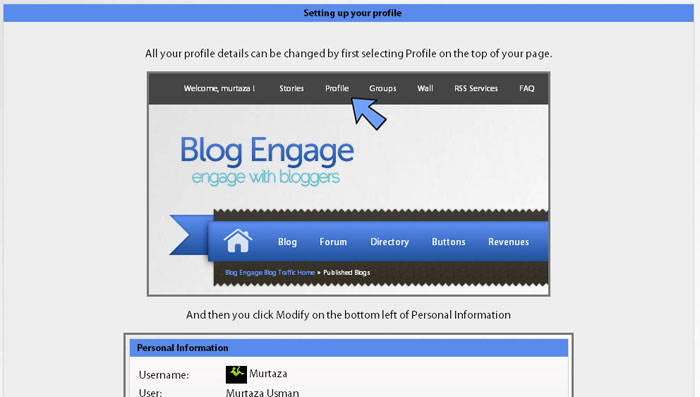
All your profile details can be changed by first selecting Profile on the top of your page.

And then you click Modify on the bottom left of Personal Information

Adding a URL
Scroll down the form that appears till you reach Blog URL

Uploading a profile image
On the top of the form you will find the Upload Avatar options
You have two options. One is to select the default avatar. The other is to upload your own. To use your own avatar you need to select the second option and click save.

After that click "Choose File" button and then select the image you need to use.
Then click "Upload Image"
After that click "Save Avatar"
Adding your Google pub number
On the same page you will find the google pub option

The first step to submitting your own article is to add the url into the submit input in the header, and than click "Submit"

You will be taken to a form where you will have to enter the following

Blog article title
Category(to select from list)
Tags
Description
Summary (you can enter your own summary by selecting "I'd like to enter my own summary" option)

Subscribe to comments
Preview

If you are a member of any group, you will be given an extra option of selecting the group you want to target. It's great for targeting your readers and group traffic

After entering everything, click "Submit"
After ensuring everything has been entered correctly in the preview, click on the Submit button

Blog Engage has two navigations: Top Navigation and Ribbon Navigation, below the header.
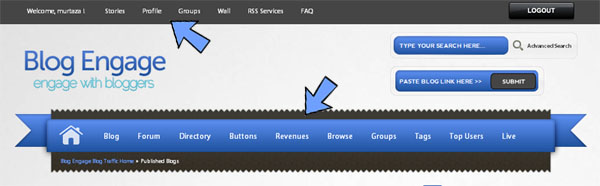
RIBBON NAVIGATION
Ribbon navigation consists of the following:
1. Blog - Community guest blog
(news from the blogosphere)
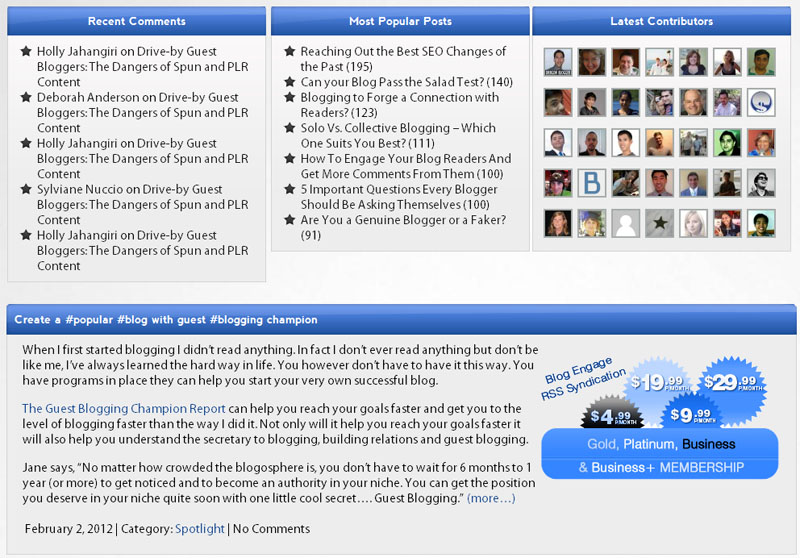
2. Forum - Our forum
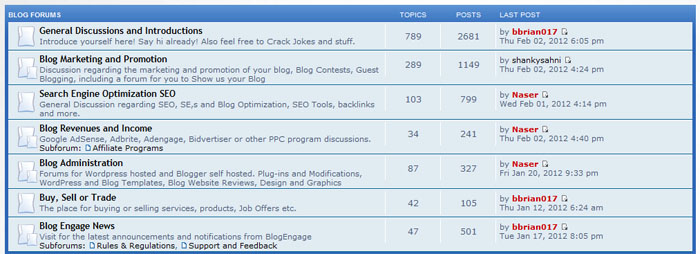
3. Buttons - These buttons contain various blogengage banners and voting buttons
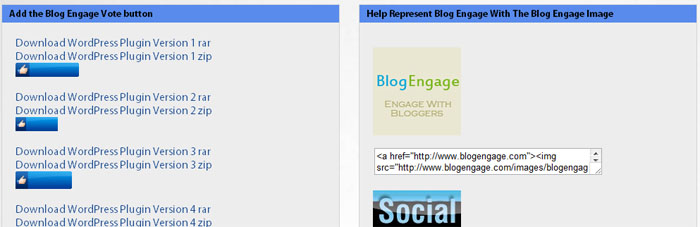
4. Browse - A quick way to access to access blog articles by category
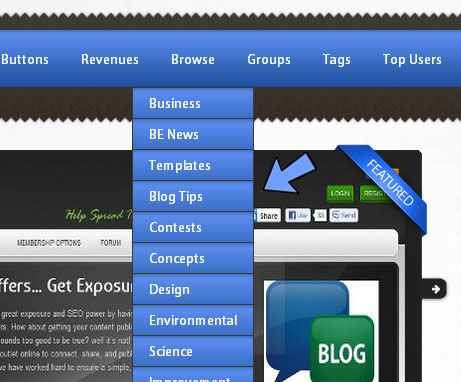
5. Groups - Find groups, create groups and a whole lot more

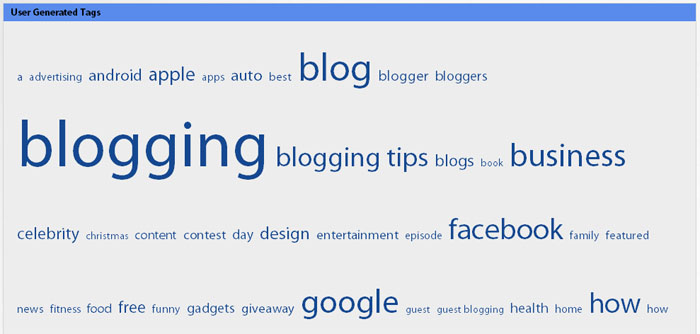
6. Tags - Tags based on user submissions
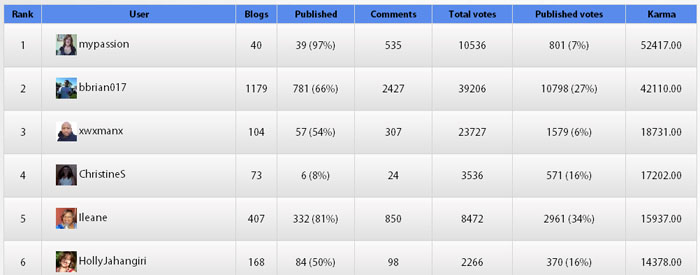
7. Top users - Users that engage the most by voting, commenting, and submiting content
Two other options that you will see often as part of the site are "Published" and "Upcoming"
Published - popular articles with sufficient amount of votes to hit the front page
Upcoming - articles recently submitted or articles not popular enough to hit the front page
In Published section you have more options

Recently Popular
Week (articles published this week)
Month (articles published this month)
Year (articles published this year)
All (all published articles
In Upcoming you have the following options

Recently popular
Top today
Yesterday
Week
Month
TOP NAVIGATION
This navigation contains the following
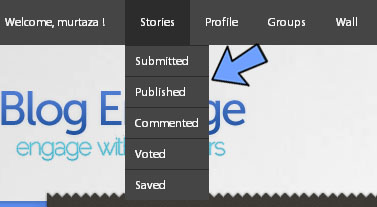
1. Stories - where you have a dropdown with links which allows you to see your submitted, published, commented, voted or saved articles.
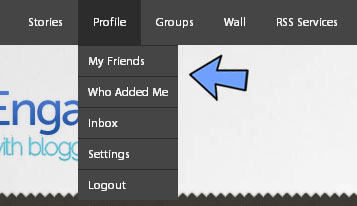
2. Profile - where you have a dropdown with links for your profile, friends, inbox, settings and logout
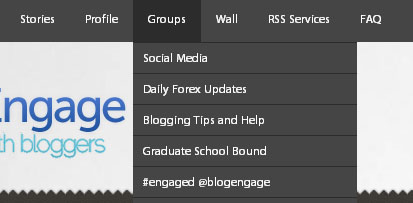
3. Groups - a dropdown will all the groups you joined
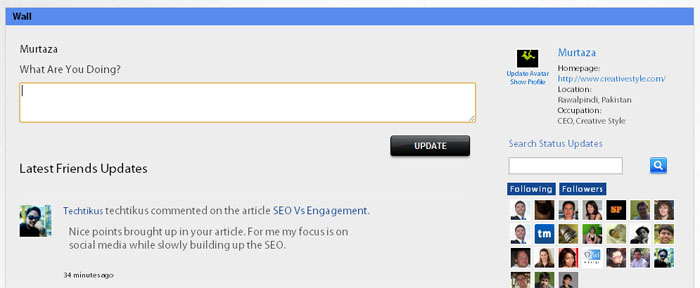
4. Wall - a link to your personal wall
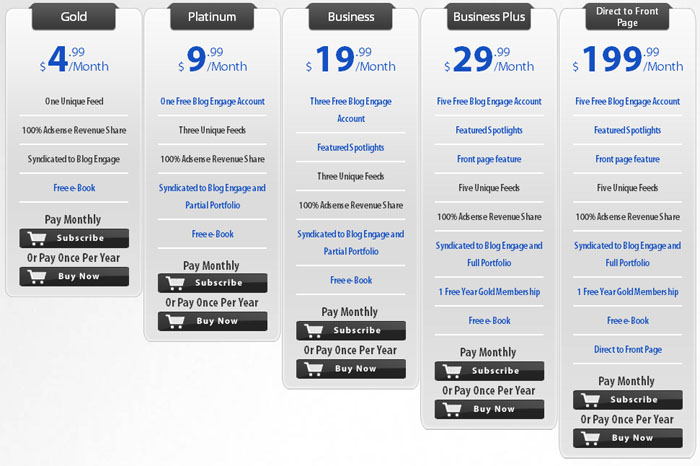
5. RSS Services - our rss services
6. FAQ - a page with a guide on how to use this website
Article Options
When you select an article, you will see several sections
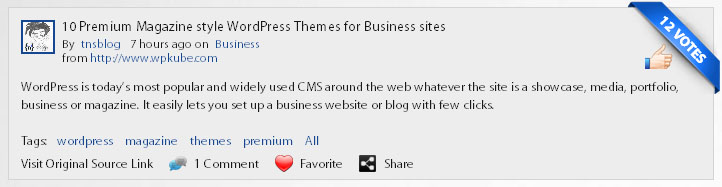
Story Sypnosis
In the bottom of this section you can see the number of comments, read more option, favorite and share
Who voted

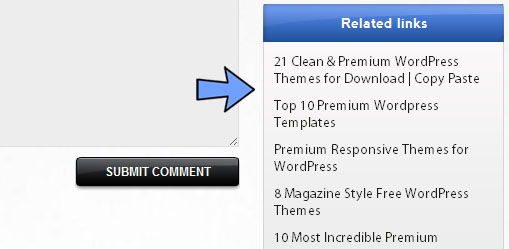
Related Links
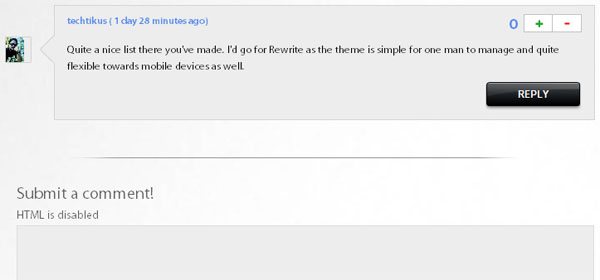
Comments
 //
//
On the Blog Directory's homepage, select the category you want to add the url to.

On the category page, click Add URL from the top menu.

Fill in the form and click submit.
